 Squiggle Zoo: Learn to Draw
Kids draw animals.
They move!
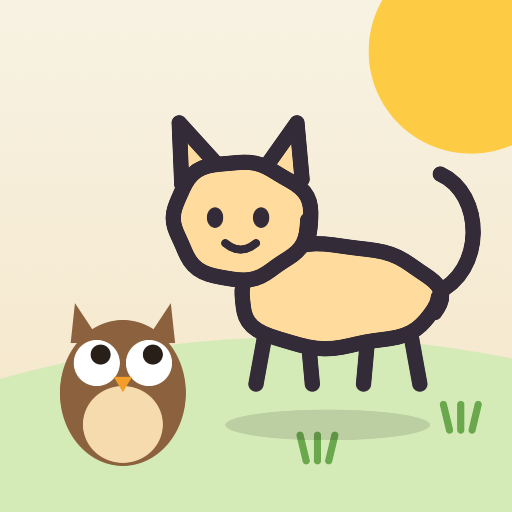
A friendly owl teacher shows your child how to draw an animal one part at a time: head, body, legs… Each finished animal keeps your child's own lines and goes to live in their very own zoo. For ages 3 to 5.
How it works
1. Draw with the teacher
Hoot the owl teacher guides each step out loud, so children who can't read yet can follow along. Bonus steps can be skipped.
2. Hold the heart
Press and hold the heart, and the animal walks, hops or wags its tail. Lines are never tidied up; they stay exactly as your child drew them.
3. Play in the zoo
In the zoo with its meadow and pond, tap to make an animal jump, stroke it, or carry it. Tap the apple basket and a nearby animal comes over to eat an apple. Send it home to rest and call it back any time.
The teacher never gives scores. Instead, the teacher names one good thing about what your child drew.
Animals
10 animals in all. 3 of them (Snake, Fish, Cat) and the blank page for free drawing are free. The other 7 (Chick, Turtle, Rabbit, Dog, Whale, Elephant and Dinosaur) come with "All Animals", a one-time purchase that supports Family Sharing.
For parents
- No ads. Nothing is collected or sent anywhere. No account needed
- Works fully offline
- Music and sound effects follow the silent switch. The teacher's voice plays even in silent mode (the music pauses while she speaks, and an overlapping sound effect may be heard quietly). Turn on "Silence the Teacher in Silent Mode" on the parents' page to have her voice follow the silent switch too, with picture captions instead
- Purchases, saving to Photos, sharing and outside links are all inside the parents' page, behind a 3-second press on the grown-ups' mark and a multiplication question
- To limit play time, use Screen Time in your device's Settings to set a time limit for this app on its own
- The moment an animal starts to move is kept as a short clip (about 5 seconds) on this device only. From the parents' page you can save it to Photos or send it to family
- Settings for volume (teacher's voice, music and sound effects separately), calm play (no music; gentler sound effects, animal sounds, hopping and flashes), visibility, tools on the left, no long presses and more
- Japanese and English
Accessibility
- VoiceOver (including actions such as jump and stroke for each animal in the zoo), Voice Control, Switch Control and full keyboard access
- Larger text up to the largest size, Dark Mode, Increase Contrast and Reduce Motion
- Crayon colors can be told apart by pattern as well as color
Questions
- What age is it for?
- It is made mainly for children aged 3 to 5 (App Store Kids category, ages 5 and under). The teacher speaks every step, so reading is not needed. Older children enjoy it too.
- Is it free?
- The Snake, Fish and Cat lessons, the blank page for free drawing and the zoo are free. The other seven animals come with "All Animals", a one-time purchase. There is no subscription.
- Which devices does it run on?
- iPhone with iOS 26 or later, iPad with iPadOS 26 or later, and Mac with Apple silicon, in any orientation, in Split View and in Stage Manager windows. With iPhone Duo folded open on a table, the animals live on the top screen while your child draws on the bottom one.
- What about ads and personal data?
- There are no ads, and nothing is collected or sent anywhere. See the Privacy Policy.
Teacher's Japanese voices: VOICEVOX:猫使アル, VOICEVOX:雨晴はう. English voice: Kokoro (Apache 2.0).